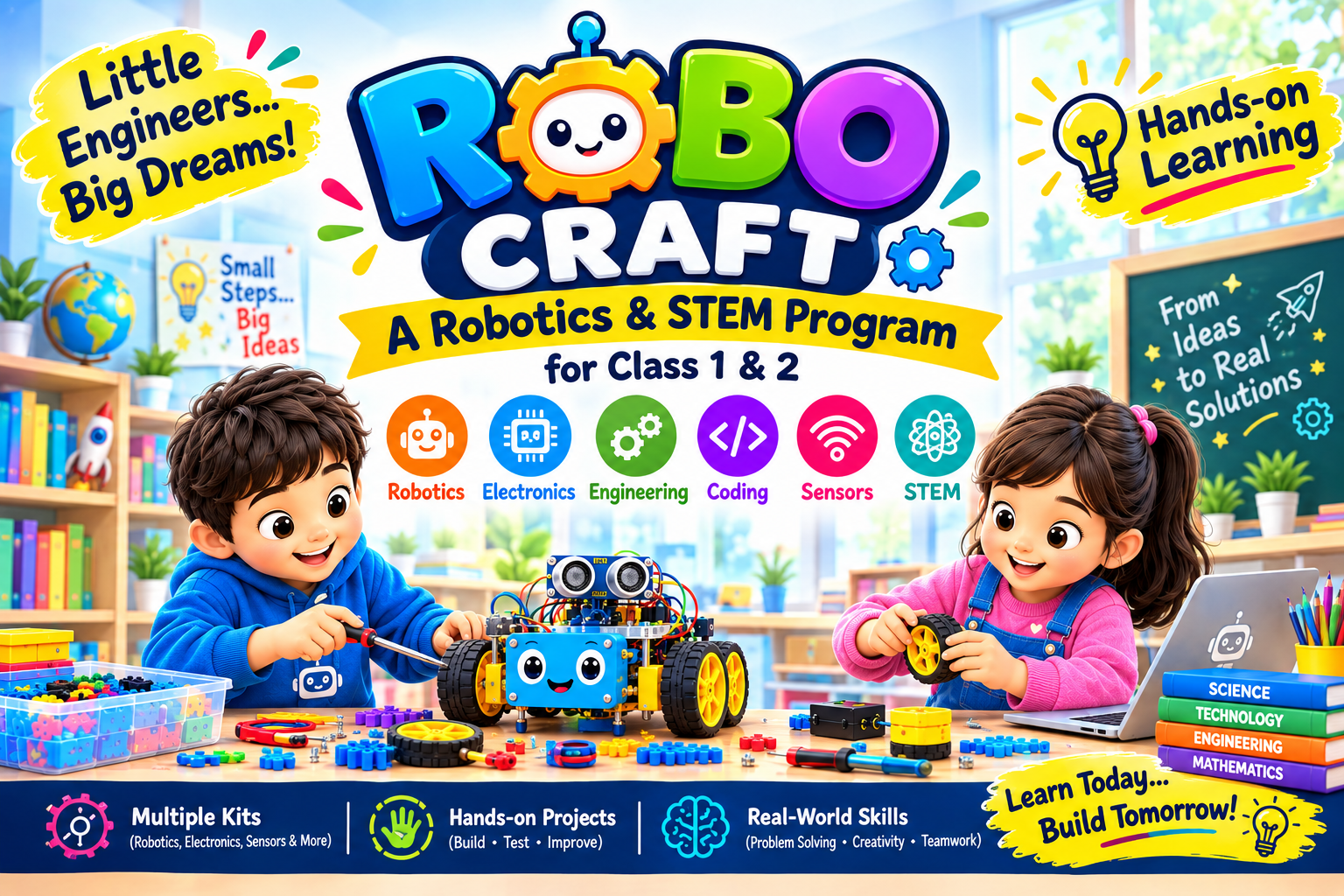
Robo Craft

Instructor
Lab Name
ARL0001
Reviews
5.0
Course Description:
Robo Craft is an exciting, hands-on Robotics and STEM 12 classes a month program specially designed for junior school students from Class 1 and 2. The course introduces children to the world of Robotics, Electronics, Engineering, Coding, and Creative Problem-Solving through a variety of age-appropriate robotics and STEM kits.
Course Chapters & Modules:
-
Smart Sweeper
Identify the purpose of a sweeper mechanism; assemble the model correctly; observe how rotation produces sweeping action; test and improve the design.
-
Mini Fishing Mechanism
Identify the parts of a simple fishing mechanism; assemble a hook-and-pull system; understand force and lever action; test its operation.
-
Free-Wheel Explorer
Identify wheel-and-axle components; assemble a free-moving model; observe friction and wheel rotation; test movement on different surfaces.
-
Mini Power Hammer
Identify how a hammer mechanism works; assemble the moving parts; explore force transfer; operate the model safely and observe its motion.
-
Distance Tracker Wheel
Build a measuring wheel; mark a reference point; count wheel rotations; compare rotation with distance travelled; record measurements.
-
Precision Trundle Meter
Calibrate a measuring wheel; measure known distances; compare measured and actual values; identify sources of error; improve measurement accuracy.
-
Balance Beam Challenge
Identify the balance point of a beam; place different loads; observe equilibrium; compare weight distribution; explain why the beam balances.
-
Precision Balance Builder
Construct a simple balance; adjust the pivot position; test different loads; compare results; improve the balance for more accurate weighing.
-
Introduction to Tech Builder Starter
Identify Tech builder components; connect a motor and basic parts; assemble a starter model; use simple programming blocks; test the model.
-
Snail Motion Builder
Identify the major parts of a snail model; assemble its mechanism; observe how parts create movement; test the model and make basic adjustments.
-
Snail Code Runner
Create a simple movement program; use motor commands and sequence blocks; control the snail's direction or motion; test and debug the program.
-
Mini Fan Builder
Identify motor, fan, and power components; assemble a mini fan; observe conversion of electrical energy to motion; test fan operation.
-
Smart Fan Controller
Program start and stop actions; use timing or sequencing; control fan behavior; test different program settings; debug simple errors.
-
Space Satellite Model
Identify key parts of a satellite-inspired model; assemble its structure; explore the purpose of sensors and communication in space systems; test the model.
-
IR Sensor Explorer
Identify an infrared sensor; understand its basic detection principle; test detection at different distances; record observations; relate sensor input to action.
-
Spy Robo Mission
Combine movement and sensing; build a simple spy robot; program it to respond to detected objects; test its mission; debug the behavior.
-
Milo Explorer Bot
Identify Milo's main components; assemble the robot; program basic movement; test forward, backward, and turning actions; correct assembly or coding errors.
-
Milo Lift Arm
Attach and operate a lifting arm; understand controlled motor movement; program lifting and lowering actions; test the arm with a light object.
-
Milo Arm Optimizer
Modify the arm mechanism; test stability and lifting performance; compare design changes; identify improvements; refine the model.
-
Milo Twin Sync
Coordinate two robots; create a shared sequence of actions; use timing to synchronize movement; test teamwork between models; debug timing issues.
-
Paper Power Circuit
Identify a battery, conductive tape, LED, and switch; create a closed circuit; explain current flow; test the LED and troubleshoot connections.
-
Paper Space Satellite
Design a satellite-themed paper circuit; plan component placement; create reliable electrical connections; combine circuit construction with creative design.
-
Magnetic Lamp & Fan
Build simple lamp and fan circuits; identify the function of magnetic activation; test circuit behavior; compare the outputs of the two systems.
-
Musical Doorbell Lab
Construct a doorbell circuit; connect a sound-producing component; use a switch to control it; test timing and sound output; troubleshoot the circuit.
-
Hello Bot Challenge
Identify basic robot parts; assemble a simple robot; create a first sequence program; observe the robot's response; make basic corrections.
-
Speedster Car Challenge
Build a robotic car; test speed and stability; change one design variable at a time; compare results; select an improved configuration.
-
Pocket Air Racer
Build a small air-propelled model; observe the relationship between motor rotation and airflow; test different designs; record performance observations.
-
Mini Merry-Go-Round
Construct a rotating merry-go-round; identify rotational motion; balance the structure; control the motor; observe how load placement affects rotation.
-
Expression Bot
Design a robot expression or behavior; use movement to communicate it; program a sequence; test the response; refine the mechanical or coding design.
-
Hand-Following Rover
Identify an infrared sensor and its input; build a hand-following car; program responses to hand movement; test different distances; adjust the behavior.
-
3D Pen Maker Basics
Learn basic 3D pen safety and handling; identify filament and extrusion; practise controlled lines and shapes; create a simple 3D form.
-
3D Initials Creator
Plan letter shapes in 3D; practise consistent extrusion; create initials; apply proportion and spacing; refine the finished design.
-
3D Sunglasses Designer
Plan a symmetrical 3D object; measure and connect components; create a sunglasses frame; explore balance, proportion, and structural strength.
-
Mini Hut Builder I
Identify basic geometric forms; plan a hut structure; create walls and a roof; connect components; test stability and make improvements.
-
Mini Hut Builder II
Plan a more detailed 3D hut; improve joints and structural strength; apply scale and decorative elements; test and refine the completed model.
-
3D Frame Art Studio
Plan a 3D frame; create its structural outline; add decorative patterns; assemble the parts; evaluate strength and visual design.
1
Smart Sweeper
Active
2
Mini Fishing Mechanism
Active
3
Free-Wheel Explorer
Active
4
Mini Power Hammer
Active
5
Distance Tracker Wheel
Active
6
Precision Trundle Meter
Active
7
Balance Beam Challenge
Active
8
Precision Balance Builder
Active
9
Introduction to Tech Builder Starter
Active
10
Snail Motion Builder
Active
11
Snail Code Runner
Active
12
Mini Fan Builder
Active
13
Smart Fan Controller
Active
14
Space Satellite Model
Active
15
IR Sensor Explorer
Active
16
Spy Robo Mission
Active
17
Milo Explorer Bot
Active
18
Milo Lift Arm
Active
19
Milo Arm Optimizer
Active
20
Milo Twin Sync
Active
21
Paper Power Circuit
Active
22
Paper Space Satellite
Active
23
Magnetic Lamp & Fan
Active
24
Musical Doorbell Lab
Active
25
Hello Bot Challenge
Active
26
Speedster Car Challenge
Active
27
Pocket Air Racer
Active
28
Mini Merry-Go-Round
Active
29
Expression Bot
Active
30
Hand-Following Rover
Active
31
3D Pen Maker Basics
Active
32
3D Initials Creator
Active
33
3D Sunglasses Designer
Active
34
Mini Hut Builder I
Active
35
Mini Hut Builder II
Active
36
3D Frame Art Studio
Active
Instructor details go here.
Student reviews go here.