Robo Innovate

Instructor
Himanshu Pathak
Lab Name
ARL0001
Reviews
5.0
Course Description:
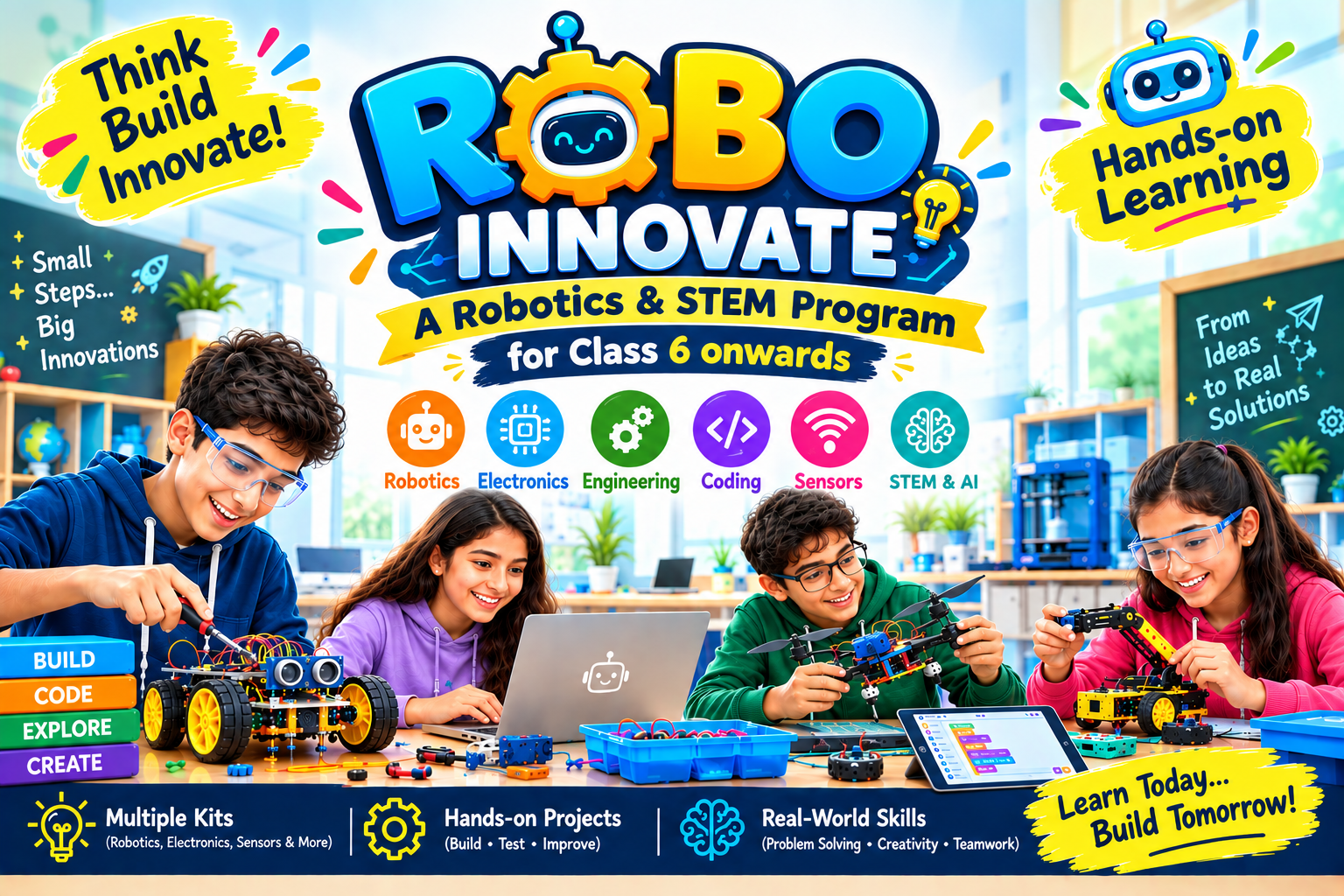
Robo Innovate is an exciting advanced Robotics, AI and STEM 12 classes a month program specially designed for senior school students from class 6 onwards. Using multiple hands-on robotics kits and innovative STEM tools, students will explore the principles of robotics, artificial intelligence, coding, electronics, sensors, automation and engineering design.
Course Chapters & Modules:
-
Meet Your Robo-Buddy
Introduce the idea of robots as machines that can be designed to perform tasks and encourage imaginative robot design.
-
Simple Circuit
Identify circuit components, explain how a closed circuit works, and safely assemble a simple paper circuit.
-
Gautam Buddha with Reed Switch & Magnet
Explain magnetic interaction and use a reed switch to control a circuit.
-
Lamp & Fan – Simple & Magnetically Activated Circuit
Build and test simple electronic circuits and compare manual and magnetic activation.
-
Simple Bluetooth-Controlled Car
Understand basic robotics commands and control a vehicle wirelessly.
-
Introduction to LDR Sensor & Sunflower
Explain how an LDR responds to light and build a light-responsive model.
-
Introduction to AMS & Block-Based Coding
Use block-based programming to read sensor input and create a programmed response.
-
Introduction to Color Sensor & Traffic Bot
Detect colors and program a robot to respond to traffic-style signals.
-
Introduction to Prokit &Rubber Band Race Car
Explore advanced robotics components and apply mechanical principles to design a fast, stable vehicle.
-
3-Wheel Base Car – Building & RC Control
Assemble a three-wheel robotic base and operate its motors through remote-control commands.
-
Introduction to IR Sensor
Understand infrared sensing and use it to detect nearby objects or surfaces.
-
Construction Site Lift – Mechanical & Electronic Build
Explain the mechanical and electronic components of a construction lift and demonstrate controlled lifting motion.
-
Introduction to Ultrasonic sensor
Explain how ultrasonic waves can measure distance and use distance readings in a robotic control system.
-
Smart Dustbin – Touch-Free Opening
Build a touch-free smart dustbin and program a sensor to trigger automatic lid movement.
-
RGB + Buzzer by Push Button
Program button inputs to control RGB light patterns and buzzer outputs, demonstrating basic input-output logic.
-
Country Flags & Create Melody
Use LEDs and a buzzer to represent flag patterns and create a simple melody through programmed sequences.
-
Number Dice
Build an electronic number dice and explore randomization, number representation, and basic probability.
-
IR Sensor & Automatic Doorbell
Use an IR sensor to detect a visitor and automatically activate a doorbell through programmed conditions.
-
IR Sensor & Visitor Counter
Detect movement with an IR sensor and design a system that counts and records visitors accurately.
-
Raindrop Sensor & Rain Shed Alarm
Explain how a raindrop sensor detects water and build an alarm that responds when rainfall is detected.
-
Air Quality Monitor – MQ135
Measure air-quality-related sensor readings, interpret changes, and display or communicate a basic air-quality status.
-
Musical Doorbell with variations
Build a musical doorbell, identify its input/output components, and modify its sound or activation pattern.
-
Automatic Night Lamp
Measure changes in light level, compare sensor readings, and program an automatic night-lamp response.
-
Object Avoider Car
Build an obstacle-avoiding robot, program sensor-based movement, test its behavior, and debug the control logic.
-
Smart Table Fan-Building & Block-Based Coding
Construct a smart table fan and program sensor-based or timed behavior using block-based coding.
-
Arduino Uno Introduction
Identify the Arduino Uno's main components and pins and explain how a microcontroller connects inputs, code, and outputs.
-
Fade IN & Fade OUT
Use PWM to control LED brightness and explain how changing programmed values changes output intensity.
-
Touch Sensor System
Use a touch sensor as a digital input and program an output response using Boolean conditions.
-
Gas Detection Alert – MQ135
Use an MQ135 sensor to detect changes associated with air quality and program a simple warning response.
-
Temperature & Humidity Monitoring System
Measure temperature and humidity with a sensor, record readings, and interpret changes in environmental conditions.
-
Automated Smart Dustbin – Ultrasonic Servo
Combine distance sensing and servo control to build an automated dustbin that opens when an object is detected.
-
Introduction to 3D Pen & PLA Filament
Operate a 3D pen safely, identify PLA filament properties, and create basic three-dimensional forms.
-
Design Your Initials
Plan and fabricate a 3D model of personal initials while applying line control, geometry, symmetry, and proportion.
-
Design Sunglasses
Design and fabricate a simple 3D sunglasses model using measurement, symmetry, and creative product-design principles.
-
Frame Painting
Create and decorate a 3D frame while applying structural planning, symmetry, patterns, and fabrication skills.
-
Create Hut
Design and construct a stable 3D hut model using geometric shapes, scale, and basic structural principles.
1
Meet Your Robo-Buddy
Active
2
Simple Circuit
Active
3
Gautam Buddha with Reed Switch & Magnet
Active
4
Lamp & Fan – Simple & Magnetically Activated Circuit
Active
5
Simple Bluetooth-Controlled Car
Active
6
Introduction to LDR Sensor & Sunflower
Active
7
Introduction to AMS & Block-Based Coding
Active
8
Introduction to Color Sensor & Traffic Bot
Active
9
Introduction to Prokit &Rubber Band Race Car
Active
10
3-Wheel Base Car – Building & RC Control
Active
11
Introduction to IR Sensor
Active
12
Construction Site Lift – Mechanical & Electronic Build
Active
13
Introduction to Ultrasonic sensor
Active
14
Smart Dustbin – Touch-Free Opening
Active
15
RGB + Buzzer by Push Button
Active
16
Country Flags & Create Melody
Active
17
Number Dice
Active
18
IR Sensor & Automatic Doorbell
Active
19
IR Sensor & Visitor Counter
Active
20
Raindrop Sensor & Rain Shed Alarm
Active
21
Air Quality Monitor – MQ135
Active
22
Musical Doorbell with variations
Active
23
Automatic Night Lamp
Active
24
Object Avoider Car
Active
25
Smart Table Fan-Building & Block-Based Coding
Active
26
Arduino Uno Introduction
Active
27
Fade IN & Fade OUT
Active
28
Touch Sensor System
Active
29
Gas Detection Alert – MQ135
Active
30
Temperature & Humidity Monitoring System
Active
31
Automated Smart Dustbin – Ultrasonic Servo
Active
32
Introduction to 3D Pen & PLA Filament
Active
33
Design Your Initials
Active
34
Design Sunglasses
Active
35
Frame Painting
Active
36
Create Hut
Active
Himanshu Pathak
BCA
BCA
Student reviews go here.